Nine TypeSafe patterns, tutorials and demos show where Jev can make a structured decision from text. The first three cards trace the input, decision and application action; six more collect other uses. These are examples, not verified customer deployments. We checked the sources on September 23, 2026, but have not run the code or measured accuracy, cost or speed. For question types, see What Is Jev?.
Three workflows in detail
OFFICIAL ARCHITECTURE EXAMPLE
Customer support routing
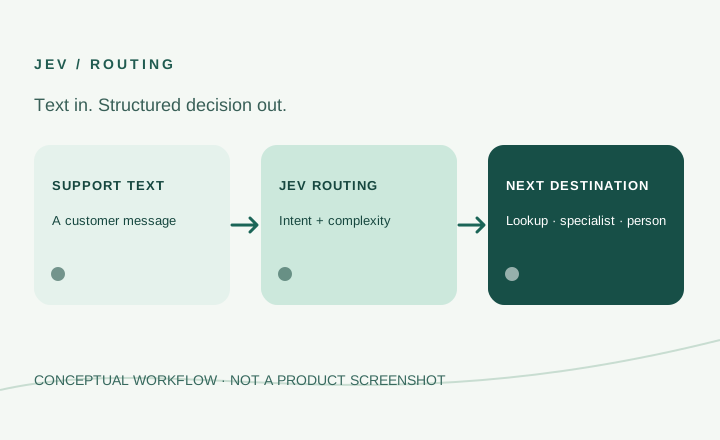
A support message is the input. Jev judges its intent and complexity. The surrounding program can look up an order, send a product question to a specialist model, or refer a difficult or uncertain request to a person.
Input Support message
Decision Intent and complexity
Action Lookup, specialist or human review
TypeSafe presents this as an imagined customer service system, not a named client's live deployment. The routing rules and confidence thresholds belong to the application developer.
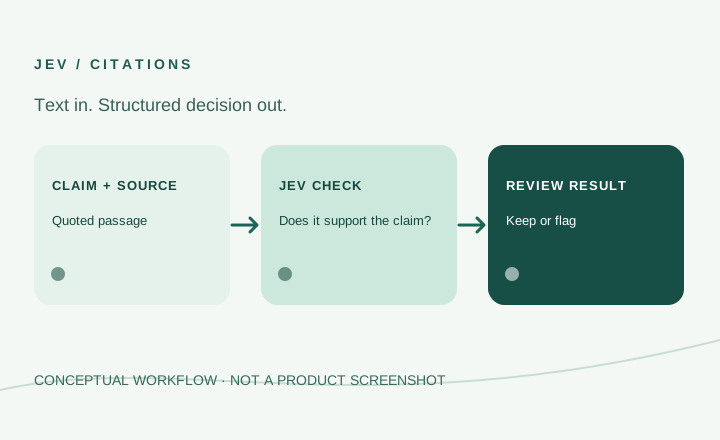
The input is a claim, its citation and the source document. Ordinary text matching first checks whether a quoted passage exists. Jev then judges whether the passage supports the claim.
Input Claim, citation and source
Decision Does the passage support the claim?
Action Keep or flag for review
The tutorial includes deliberately altered examples; its sample outcomes do not establish general accuracy for other documents.
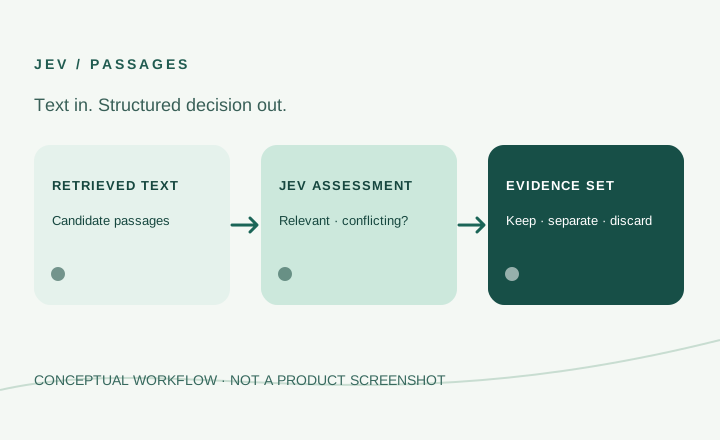
A question and candidate knowledge-base passages are the input. Jev assesses whether a passage is relevant, conflicting or suspicious. The application can keep suitable evidence, separate conflicts and discard unsuitable passages.
Input Question and candidate passages
Decision Relevant, conflicting or suspicious?
Action Keep, separate or discard
Another model writes the final answer. The application still needs rules for uncertain or high-stakes material.
A question and numbered lines are assessed so an application can show the relevant source location. The tutorial uses GitHub terms as sample text and needs a way to report that no answer was found.
Candidate records from two catalogs are compared for a possible match and useful differences. The tutorial uses beer catalog data, not an identified retailer's production system.
An incoming message or model response is assessed for risk and severity before code allows, reviews or blocks it. Thresholds need validation for the actual application.
A text command is classified by category, scope, device and action so application code can choose an operation. Jev does not directly receive audio or camera input.
Given the current Wikipedia page, available links and a destination, Jev chooses a link for the program to follow. This is constrained navigation, not general browser automation.
These examples share a boundary: Jev makes a structured decision from supplied text; the surrounding software chooses what happens next. It does not generate prose or accept images, audio or video as inputs. For a first experiment, choose a decision with clear labels and a human review path, then test it on your own representative inputs. The provider’s Quick start and our How to Use Jev guide explain the current starting path.