Jev AI: TypeSafe's System One Model
Independent guide · Model, pricing and practical uses
Jev AI is TypeSafe AI’s System One model for structured decisions from text. Released on September 15, 2026 in early access, it takes supplied text and typed questions and returns results an application can use. This independent guide brings together its published price, reported latency, supported inputs, current access steps and examples of possible uses. TypeSafe’s current Quick start directs readers to log in to the Playground to try it and get an API key from the console for API use. We checked that guidance on September 23, 2026; we have not tested a new account ourselves.
Explore Jev AI
Choose the question you want to answer first. Each guide connects to the next, so you can move from the model’s purpose to a realistic workflow and then to TypeSafe’s documented starting steps.
Jev AI at a glance
The table separates published model details from the decisions an application still needs to make. Availability describes TypeSafe’s documented path, not a new-account test by this site.
| Detail |
Summary |
| Developer |
TypeSafe AI |
| Model |
System One |
| Release date |
September 15, 2026 |
| Availability |
Official Quick start: log in to the Playground; get an API key from the console for API use |
| Input |
Text only |
| Input pricing |
$0.042 per million tokens |
| Output pricing |
Output tokens are free |
| Reported latency |
70ms–500ms |
| Output information |
Choice and Score: confidence and probabilities; Noul: a 0–1 value |
How Jev AI fits into a workflow
An application supplies text and a well-scoped question. Jev evaluates that question and returns a structured result. The surrounding software decides whether to route, rank, keep, reject or review something. The official introduction describes typed questions about a supplied state, rather than a request for a prose answer.
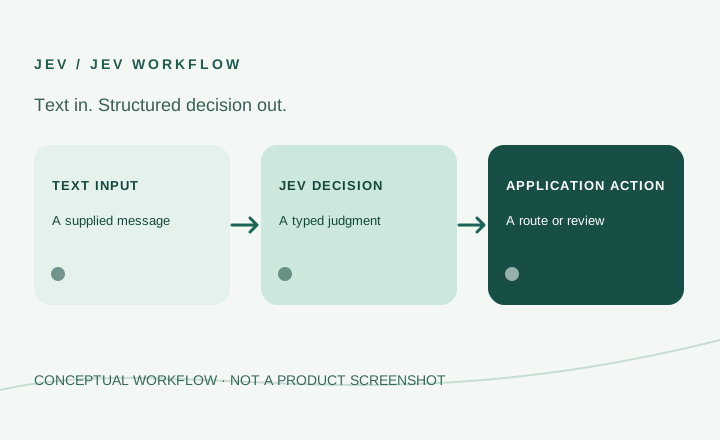
A support message is one example. A program could assess the message’s category and urgency, then decide whether to show an order lookup, pass it to another tool or ask a person to review it. Those actions come from the surrounding program. Developers still choose allowed routes and decide what happens when a result is uncertain.
Start an evaluation by writing down one decision in plain language. Identify the text needed, the possible outcomes and the cost of a mistake. Collect representative examples with known answers, including difficult and ambiguous ones. This provides a concrete way to assess whether a decision helps your workflow. What Is Jev? explains the model in more detail.
Jev AI use cases
These examples come from TypeSafe’s materials. They are tutorials, demonstrations or architecture patterns, not verified customer deployments or tests run by this site. The full use-case collection identifies the source type and practical limit for all nine examples.
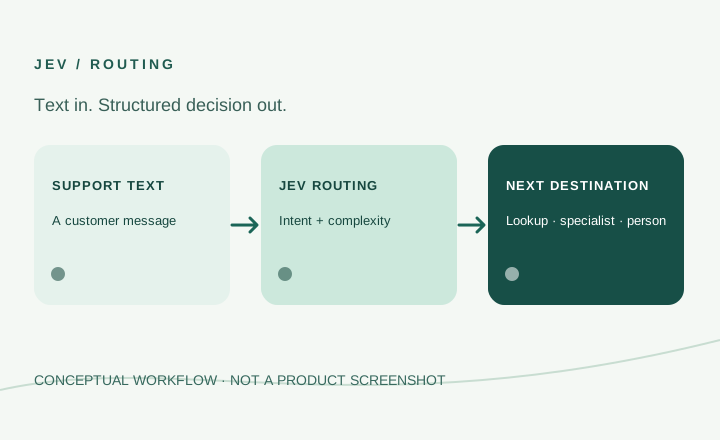
ARCHITECTURE EXAMPLECustomer support routing
Assess a support message's intent and complexity. Application rules can direct it to an order lookup, a specialist model or a person. TypeSafe describes an imagined service system.
See the routing workflow ↗
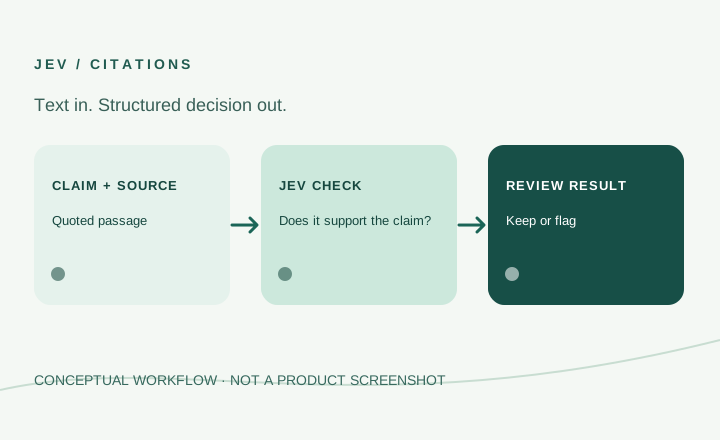
OFFICIAL TUTORIALChecking citations
Compare a claim, a quotation and the source document. Text matching checks whether the quotation exists; Jev judges whether it supports the claim.
See the citation workflow ↗
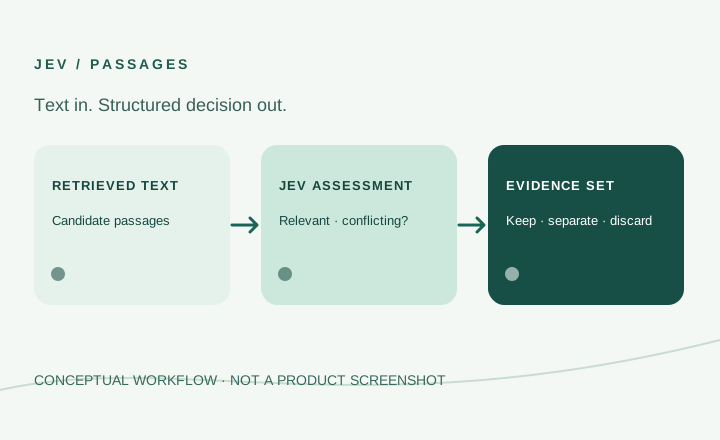
OFFICIAL TUTORIALFiltering retrieved passages
Assess passages for relevance, conflict or suspicious content before another model writes an answer. The application decides how to treat uncertainty.
See the retrieval workflow ↗
The examples differ in what the decision means: routing a ticket, checking support for a claim or selecting evidence. That makes test examples and review rules specific to each use case. None of the source pages establishes general accuracy for every dataset or language.
Jev’s published pricing is $0.042 per million input tokens, with output tokens free. At that input rate, 10 million input tokens would cost $0.42, and 100 million would cost $4.20.
These calculations illustrate token charges at the stated rate. To estimate the input-token portion of your own costs, use the number of tokens you expect to submit rather than the number of requests alone.
Count the text supplied across requests: a short message and a long document can use very different amounts of input. If a workflow also uses retrieval, hosting or a generating model, those components need their own cost estimates. Free output tokens do not make the entire application free. Before budgeting, check the provider’s current pricing terms and estimate with the shape and volume of your own text.
Latency and reported speed comparisons
TypeSafe AI reports latency of 70ms–500ms. Its official comparison table describes similar queries as 40x–200x faster than frontier models.
The latency range and relative speed comparison describe different measurements. Neither establishes the response time for your particular workload. When evaluating the model, measure response times alongside output accuracy using representative inputs.
Time the whole path in a real application: preparing text, calling the model, receiving a result and carrying out the next software step. Record both typical and slower requests. A fast decision that repeatedly sends work down the wrong route is not useful. Keep comparisons tied to the same inputs and task definition; speed multiples from different sources should retain their original context.
Text input and language limitations
Jev accepts text input. Images, audio, and video are not supported inputs, so a workflow that requires those formats needs to account for that limitation before integration.
English is the primary training language. Chinese, Japanese, and Korean inputs are accepted, but accuracy is lower. If your application uses these languages, include realistic examples in your evaluation rather than assuming English-language performance will transfer unchanged.
A workflow centered on images, audio or video needs another component to prepare text before Jev can be considered. That component has its own behavior and cost. A demonstration with a visual outcome does not show that Jev read images: TypeSafe describes its Doom demonstration as decisions made from supplied game state in text. Likewise, acceptance of a language is different from equal performance in that language.
Structured outputs and confidence
The official introduction says Choice and Score return probabilities and confidence, while Noul returns a value from 0 to 1. These values provide information to inspect when evaluating responses.
For your own application, compare outputs against examples with known answers. Assess confidence alongside observed correctness before deciding how to use it in a workflow; a returned confidence value alone is not proof that an answer is correct.
The software should define what happens near a decision boundary and when human review is needed. An application that flags an uncertain citation can afford a different review path from one that automatically routes a customer request. Treat the returned information as material for a decision rule you test, not as a substitute for testing that rule.
Getting started with Python and the API
For an initial look, TypeSafe’s Quick start directs readers to open the Playground, log in, supply text and add a question. For an application integration, the guide directs them to obtain an API key from the console. The guide does not list a separate waitlist approval step. Its documented path does not establish what every new account can access.
The Python SDK is typesafe-sdk and requires Python 3.10 or later. The API key should be read from an environment variable.
The API endpoint is:
POST https://api.typesafe.ai/v1/systemone
Before making requests, consult the current provider documentation for the exact authentication and request format. This overview does not specify an environment-variable name, authentication header, or request fields.
Continue with How to Use Jev for the setup guide and examples. The Jev API page currently has only an endpoint summary, so use the provider documentation for a full API reference.
Common questions about Jev AI
Is Jev AI the same as TypeSafe AI?
TypeSafe AI is the company. Jev is its model, described as the first System One model. This site is an independent information guide and is not affiliated with TypeSafe. Read about TypeSafe AI for the company and model relationship.
Can Jev read images or listen to audio?
No. The stated input is text. A program may use other tools around a text-based Jev decision, but that is a property of the wider program, not a direct image, audio or video capability of the model.
Do free output tokens make a Jev application free?
No. The published Jev rate charges for input tokens. Other services used by an application may also have costs. Estimate each component of a workflow separately.
Do the examples prove production results?
No. The use-case page separates official tutorials, architecture examples and demos. It does not identify them as verified customer deployments or independently measured performance. Use them to understand a workflow, then evaluate the decision on your own representative text.